
Take the photos
Photograph the item and its useful details. LotDone keeps the views together and starts the lot for you.
THE LOTDONE PRODUCT
You take the photos. LotDone groups the lots, writes the titles and descriptions, and prepares the export. Your team reviews the work instead of starting from a blank field.
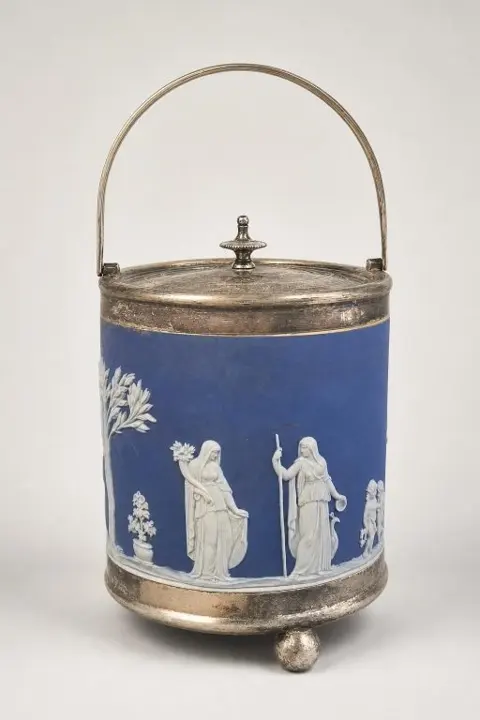 Selected catalog photo
Source title retained from your archived catalog.
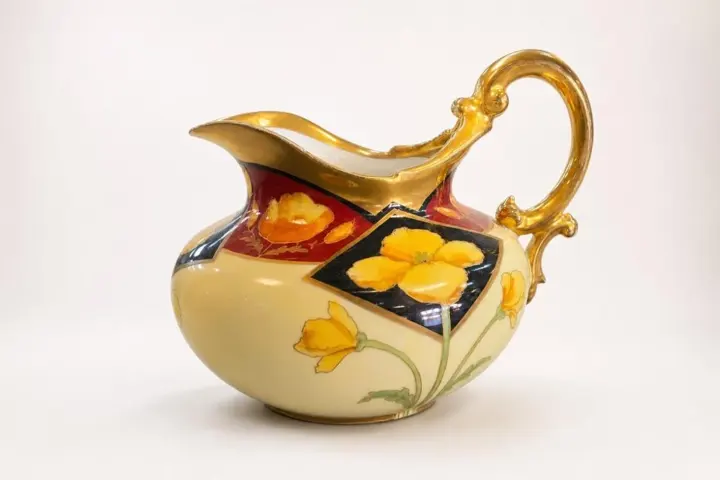
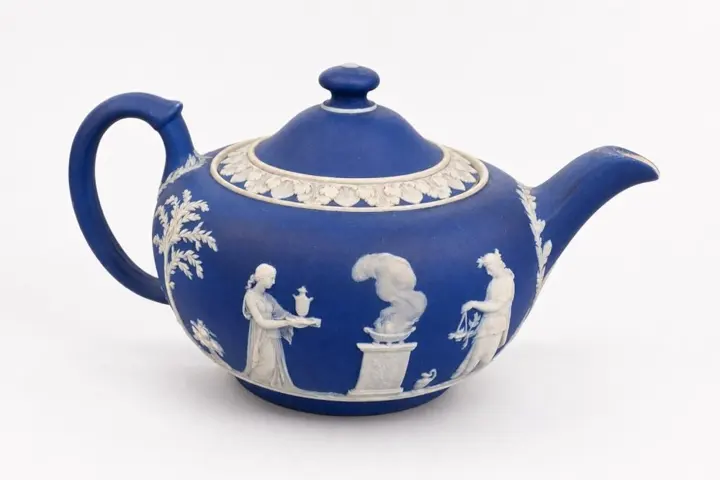
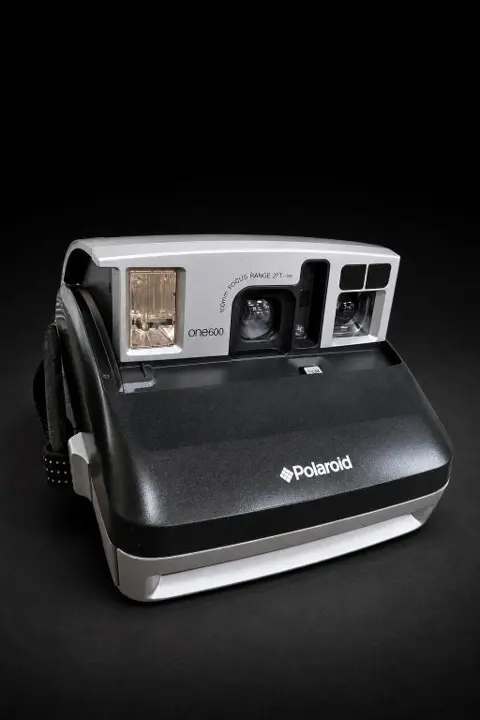 From one item
Product interface illustration using a real archived catalog item. Your production workspace may differ.
Photograph the item and its useful details. LotDone keeps the views together and starts the lot for you.
LotDone drafts a readable title and description. You can add special knowledge, but you do not have to write the first version.
Keep your original photos or selectively create cleaner presentation images, then compare before you approve.
Approve the catalog once, then use an available export for the auction platform your team already knows.
PRESENTATION WITH RESPONSIBILITY
Background and lighting improvements can make a listing easier to understand. Always inspect lettering, hardware, color, piece count, and wear against the original.
Originals and edited candidates have different jobs. A polished image is not authentication, grading, or proof of condition.
Better cover-photo habits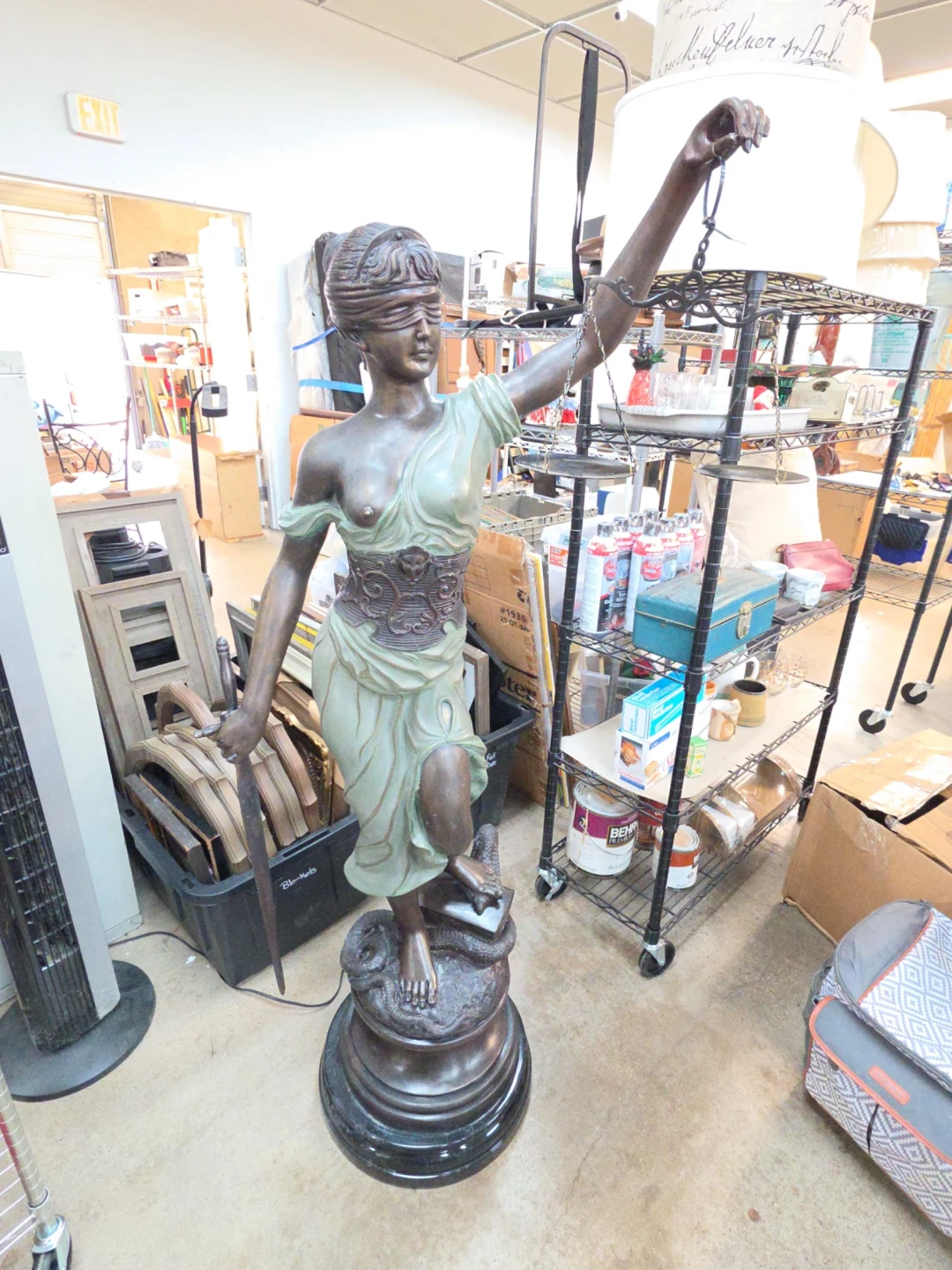

A real Tyler Grace example from W1 Lot 1106: the approximately five-foot Alois Mayer Blind Justice Bronze sculpture before processing and its finished auction-catalog presentation. The sculpture is unchanged; the surroundings were removed and the merchandise was presented clearly. Results vary with the source photograph, item geometry, and selected image service.
THE CATALOG IS STILL YOURS
Choose the available export that fits your auction workflow. Your master title and selected photographs remain the reference—not a fresh creative rewrite for every destination.
Explore destination profilesOptional AI image generation
Base catalog plans include AI title and description drafting for review, original photo organization, manual review and editing, and available exports. Standard AI image generation is separate: add the AI Image Upgrade for one eligible generation per new lot, or use one-time credits for the images you choose.
Explore launch pricing →Choose no generation, the first photo, the first two, selected photos, or all photos. Background removal is a distinct photo-editing process; generative image output is always described separately.
YOUR NEXT CATALOG STARTS HERE
Let’s see how LotDone fits the way you work.